
A growing website needs more than good writers. It needs a clear system for deciding who can create, approve, publish, update, and retire information. A WordPress content governance checklist gives every contributor the same rules, which reduces errors while making publishing faster.

Define ownership before adding more content
Start by naming an owner for each important content area. The owner is responsible for accuracy and business approval, even when another person writes the page. Marketing may own campaign pages, support may own help content, and a service lead may own technical claims.
Record ownership in a shared inventory or an editorial custom field. Avoid assigning every page to one general inbox because unclear responsibility usually leads to missed reviews.
Create practical WordPress roles
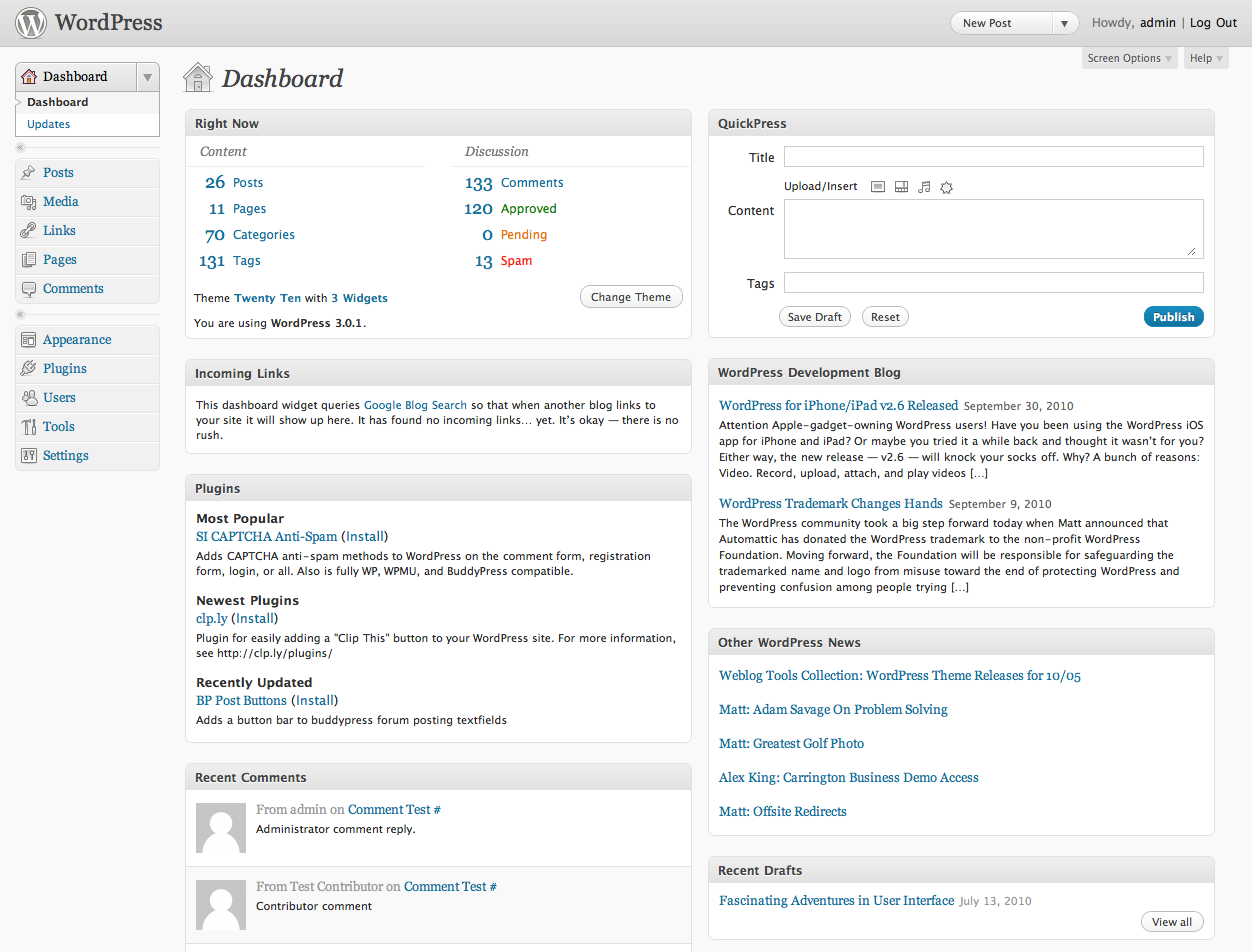
Use the least access needed for each job. Contributors can draft, editors can review and publish, and administrators should handle settings, plugins, users, and infrastructure. Review accounts when staff or suppliers change roles.
Document who may change navigation, reusable blocks, forms, SEO fields, and legal pages. These shared elements have a larger impact than a normal article and deserve a tighter approval path.
Standardize every publishing brief
A useful brief includes the audience, search intent, primary question, key sources, call to action, owner, reviewer, and due date. It should also note whether the page replaces or overlaps existing content.
Require writers to link to reliable evidence and relevant internal pages. This makes fact checking easier and helps readers continue to the next useful step.
Use a repeatable review workflow
Separate factual review, brand review, SEO review, and final publishing checks. One person can perform several checks on a small team, but the responsibilities should still be explicit.
- Confirm claims, names, prices, dates, and contact details.
- Check headings, links, image rights, alt text, and captions.
- Verify the focus keyphrase, search title, meta description, and URL.
- Preview desktop and mobile layouts before publishing.
- Test forms and calls to action after the page goes live.
Set review dates by risk
Not every page needs the same schedule. Pricing, services, staff, legal guidance, and time-sensitive offers may need frequent reviews. Evergreen educational articles can use a longer interval unless performance or business details change.
Add a next-review date and a trigger. Triggers might include a product release, policy change, rebrand, plugin replacement, or campaign end. A date alone cannot anticipate every important change.
Control shared assets and reusable content
Define rules for the Media Library, templates, patterns, and global design settings. Use descriptive file names, alternative text that explains the image in context, and license details where required.
When a reusable block changes, identify every page that uses it. Shared content is efficient, but an unreviewed change can spread a mistake across the entire site.
Measure quality after publication
Governance continues after the publish button. Monitor organic impressions, engagement, conversions, support questions, broken links, and user feedback. A page that receives traffic but fails to help visitors needs a content decision, not just more promotion.
Keep a short change log for important pages. Record what changed, why it changed, who approved it, and what result the team expects.
WordPress content governance checklist
- Each content area has a named owner.
- Roles follow least-access principles.
- Every page starts with a documented brief.
- Review steps cover facts, brand, SEO, accessibility, and conversion.
- High-risk pages have shorter review cycles.
- Shared assets and reusable blocks have clear controls.
- Important changes are measured and recorded.
A WordPress content governance checklist keeps a growing site dependable without creating unnecessary bureaucracy. Begin with ownership and access, then add review dates, quality checks, and performance feedback that match the real risk of each page.