
Start your WordPress analytics setup with goals
A WordPress analytics setup should begin with business goals, not just page views. Decide what matters: form submissions, calls, product sales, newsletter signups, quote requests, downloads, or visits to key service pages.
When the goals are clear, tracking becomes more useful. You can see which pages attract visitors, which pages help people take action, and where the site needs improvement.
Track events that show real intent
Basic traffic data is helpful, but events reveal behavior. Track form submissions, button clicks, outbound clicks, scroll engagement, and ecommerce actions when relevant. These signals show how people interact with the website.
Keep tracking clean. Too many duplicate tags or plugins can create confusing data and slow the site. Review your setup after theme changes, plugin updates, or new landing pages.
Connect analytics with content decisions
Use analytics to improve content, not only to report numbers. Pages with traffic but low inquiries may need stronger calls to action. Pages with good engagement may deserve internal links from newer posts. Search terms and top landing pages can guide future topics.
Official setup guidance from Google Analytics Help is useful when configuring measurement and reports.
Review analytics on a schedule
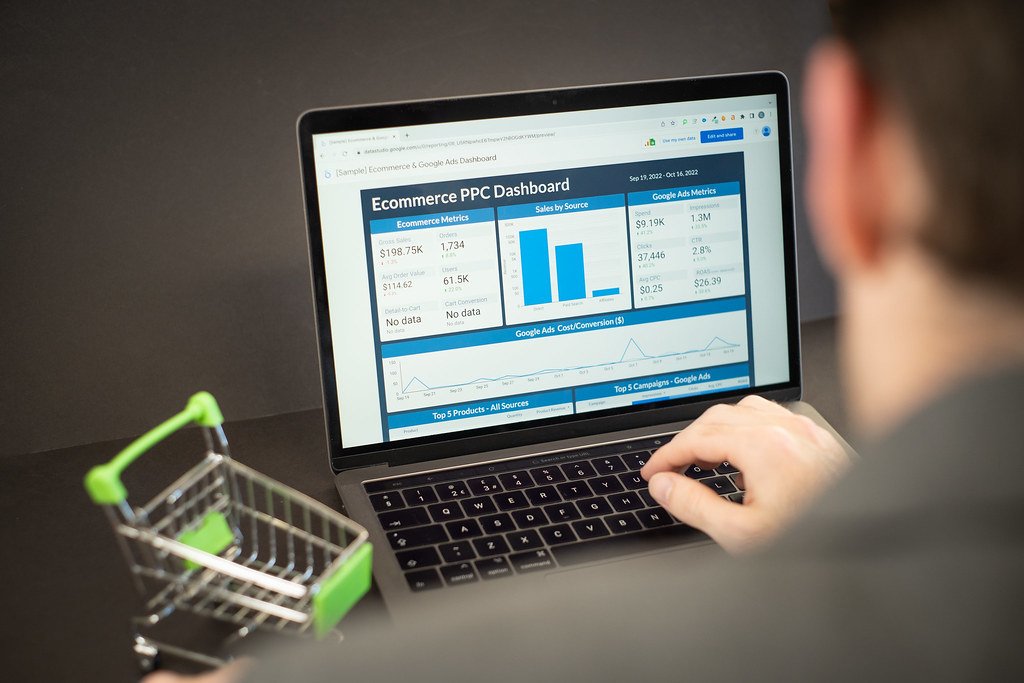
Set a monthly review rhythm. Look at traffic sources, conversions, top pages, slow pages, and campaign performance. A consistent WordPress analytics setup turns scattered numbers into better decisions.
Webocation helps connect WordPress analytics with SEO, design, content, and conversion improvements.