
WordPress Phone and Email Link UX Checklist for Mobile Visitors
Make WordPress phone and email links easy to recognize, tap, understand, and track without sacrificing accessibility or exposing visitors to confusion.


Make WordPress phone and email links easy to recognize, tap, understand, and track without sacrificing accessibility or exposing visitors to confusion.
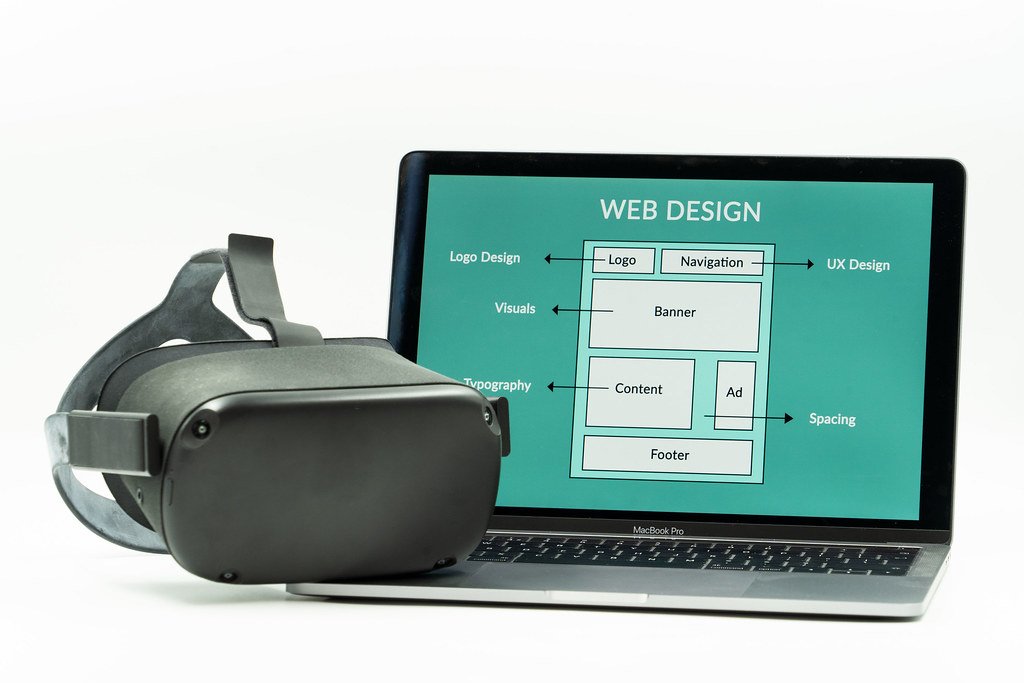
Improve WordPress font performance without losing brand character by reducing files, choosing sensible weights, and testing real page rendering.

Clean up expired WordPress campaign pages without losing useful traffic, links, analytics history, or a clear path for returning visitors.

Build a useful WordPress customer review page with genuine proof, clear context, accessible presentation, and sensible paths to third-party platforms.
Plan credible before-and-after portfolio stories in WordPress with clear evidence, consistent visuals, client context, and conversion-focused next steps.

Create a practical process for reviewing WordPress content before dates, offers, instructions, and evidence become misleading or obsolete.
Hand over a newly launched WordPress site with clear ownership, secure access, practical training, maintenance records, and tested recovery details.
Create a clear WordPress content update brief that protects search intent, assigns evidence, guides editors, and documents every important change.
Build a WordPress contact page that answers practical questions, reduces hesitation, protects privacy, and gives visitors a reliable path to reply.

Improve WordPress form confirmation emails with clear expectations, reliable delivery, accessible formatting, secure data handling, and useful tracking.

Improve WordPress cookie banner UX with clear choices, balanced controls, accessible interaction, accurate behavior, and practical testing across devices.
Make WordPress PDF resources easier to discover, understand, access, and maintain with descriptive files, useful landing pages, and accurate metadata.