
Why a WordPress maintenance checklist matters
A WordPress maintenance checklist gives your website a routine instead of leaving every update, warning, and performance issue to chance. Business sites often depend on forms, service pages, blog posts, analytics scripts, and SEO plugins. When those pieces drift out of date, the site can become slower, less secure, and harder for customers to use.
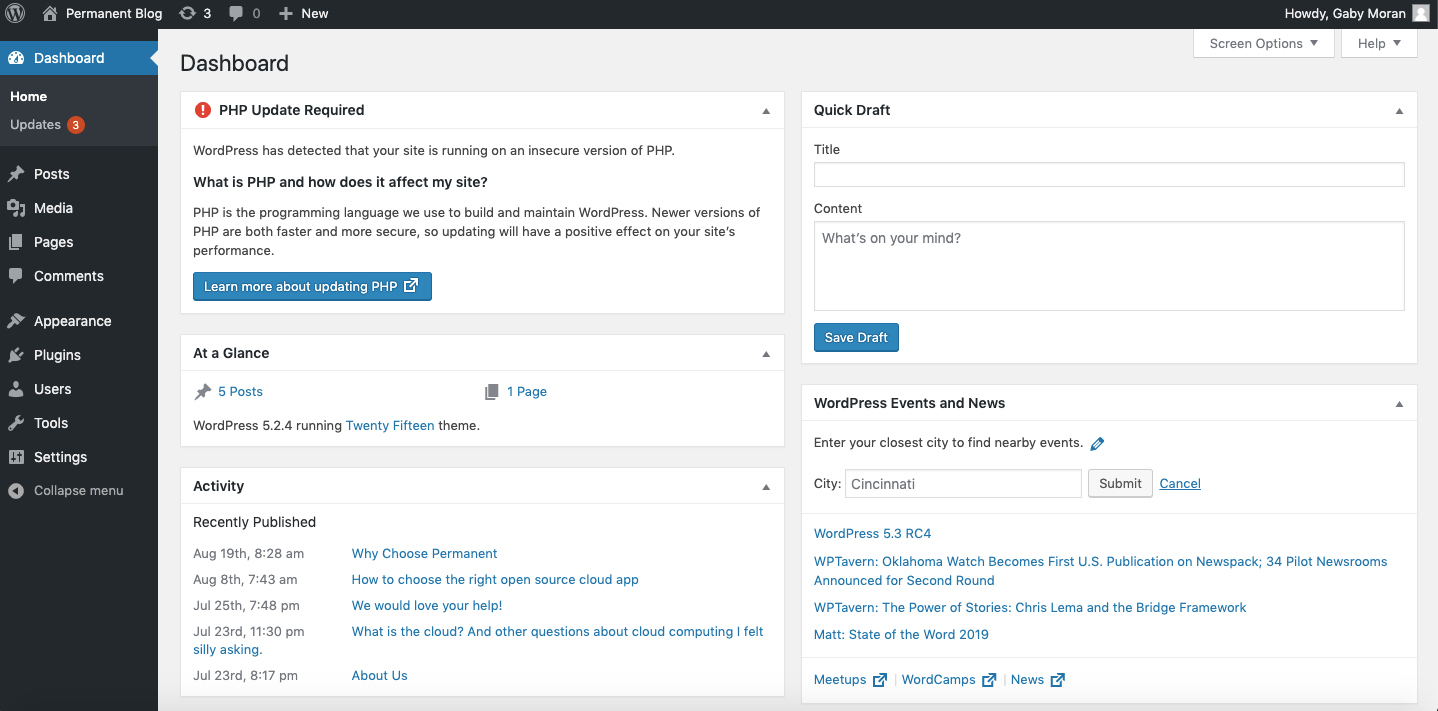
The best maintenance routine is simple enough to repeat. Check the dashboard, review updates, test important pages, and confirm that backups work before making large changes. This rhythm protects the site while keeping your team focused on marketing and customers.
Weekly checks for a healthier site
Start each week by signing in and looking for plugin, theme, and WordPress core updates. Review the changelog when an update touches checkout, forms, SEO, caching, or security. Then update one group at a time and test the pages that matter most.
Next, open the homepage, the contact page, and one recent blog post on desktop and mobile. Submit a test form if leads matter to your business. Small checks like these catch broken layouts, missing images, and plugin conflicts before visitors report them.
Monthly checks that support SEO
Once a month, review your content and search performance. Update old posts with fresh examples, improve thin pages, and make sure every important page has a clear title, meta description, and internal link. A WordPress maintenance checklist should always include content quality, not only software updates.
Run a speed test, compress oversized images, and remove unused plugins. You can also compare your sitemap with your most important service pages. The official WordPress documentation is a helpful reference for routine admin work: WordPress documentation.
Keep the routine easy to follow
Document who handles updates, backups, security scans, and content reviews. If the same person owns every task, the routine is more likely to happen on time. If several people share the site, use a short checklist and mark each task complete.
For growing sites, Webocation can help turn website care into a repeatable plan. The goal is not to make maintenance complicated. The goal is to keep the website stable, useful, and ready for the next campaign.